

Layered Navigation Configuration
The Layered Navigation section controls how filters are applied in the catalog to enhance the browsing experience. This configuration provides AJAX-based filtering options that improve user experience by eliminating full page reloads during filter operations.
Overview
The Layered Navigation configuration describes AJAX configuration options for layered navigation functionality. Enabling AJAX allows users to filter products without full page reloads, resulting in a faster and more seamless browsing experience.
AJAX Settings
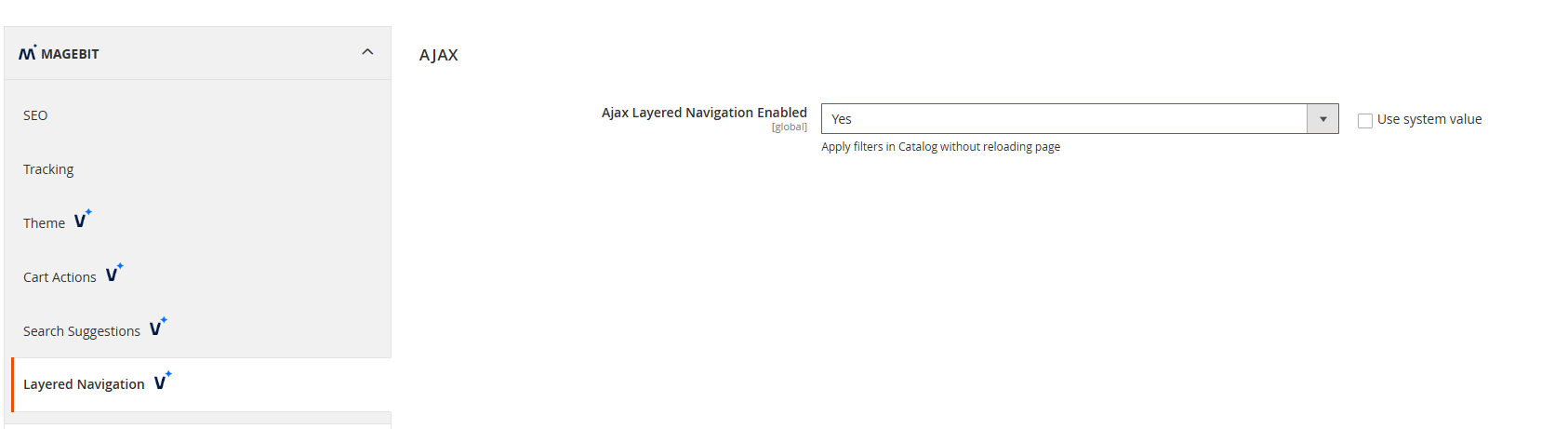
Configure AJAX functionality for layered navigation to improve performance and user experience.
Configuration Options:
- AJAX Layered Navigation Enabled - Control AJAX functionality for filter operations
- Yes - Allows filters to be applied without reloading the page, providing a smoother user experience
- No - Requires a full page reload after applying filters (default)
Functionality
AJAX-Enabled Filtering
When AJAX Layered Navigation is enabled, filter operations are performed asynchronously without requiring full page reloads. This provides:
- Faster Filter Application - Instant filter results without page refresh
- Improved User Experience - Seamless browsing with maintained scroll position
- Reduced Server Load - Only filtered content is loaded, not entire pages
- Better Performance - Faster response times for filter operations
Traditional Filtering
When AJAX Layered Navigation is disabled, filter operations use traditional full page reloads:
- Complete Page Refresh - Full page reload after each filter application
- Standard Magento Behavior - Uses default Magento layered navigation functionality
- Compatibility - Ensures compatibility with systems that don't support AJAX operations