

Background Adjustments Configuration
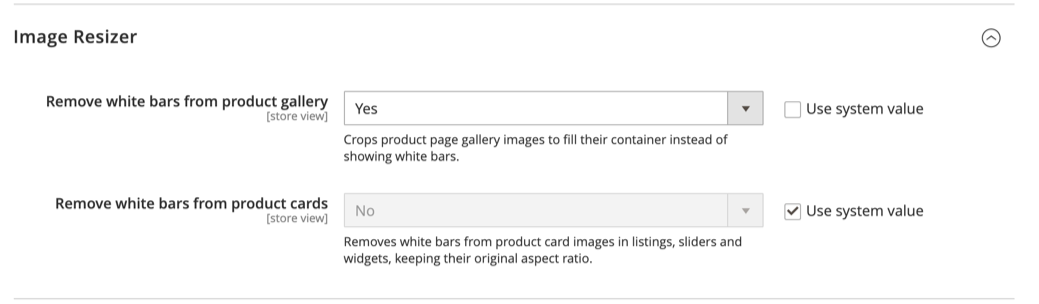
Control how product images are fitted inside their frames. These settings remove the white bars (letterboxing) that appear when an image's aspect ratio does not match its container, by cropping the image to fill the frame instead.
Overview
The Image Resizer group under the Venta Theme configuration provides two independent Yes / No toggles:
- Remove white bars from product gallery applies to the gallery on the Product Detail Page (the active image and the thumbnails).
- Remove white bars from product cards applies to product-card images in listings, sliders and widgets.
When a toggle is off, images keep their original aspect ratio and Magento pads them with white bars where needed. When a toggle is on, the matching images are cropped to fill their container.
Configuration
Configuration Path: Stores > Configuration > Magebit > Theme > Image Resizer
| # | Field | Default | Effect when enabled |
|---|---|---|---|
| 1 | Remove white bars from product gallery | Yes | Crops the PDP gallery images (active image and thumbnails) to fill their frame. |
| 2 | Remove white bars from product cards | No | Crops product-card images in listings, sliders and widgets to fill their frame. |
Config paths:
magebit_theme/image_crop_adjustment/object_fitmagebit_theme/image_crop_adjustment/object_fit_cards
INFO
This "Image Resizer" group is part of the Venta Theme configuration (the magebit_theme section). It is not the standalone Image Resizer extension.
Behavior
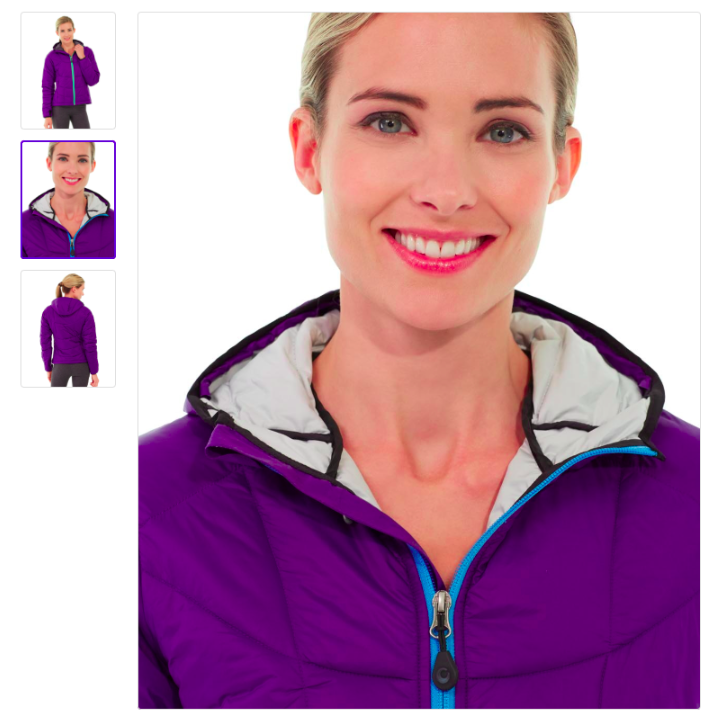
Enabled
When a toggle is enabled, its images are rendered without white bars and fill the available frame.
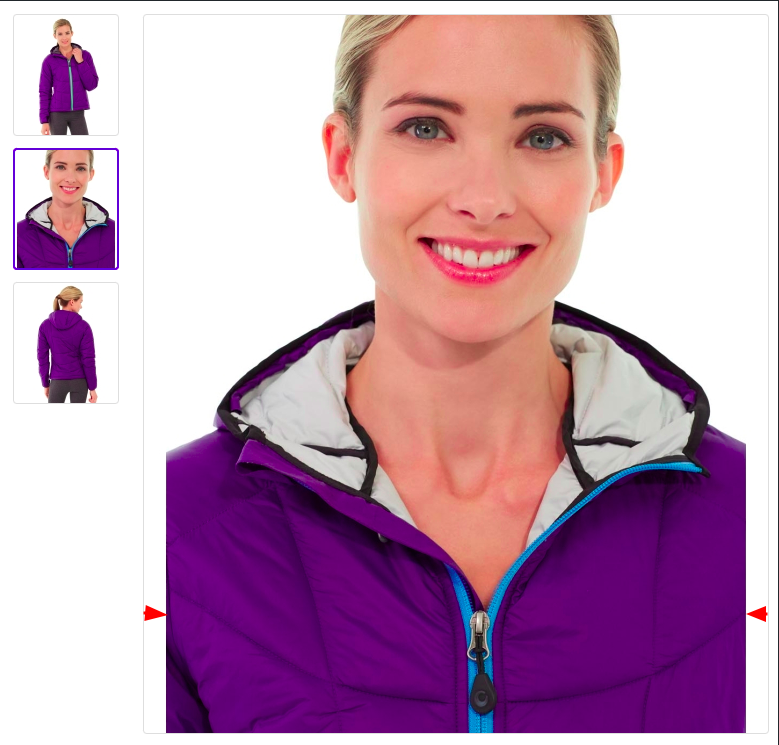
Disabled
When a toggle is disabled, its images may show white bars where the aspect ratio does not match the frame.
Upgrading from a single toggle
Earlier versions had one field, "Remove white bars from product images", which covered the gallery only. On upgrade, the stored value is migrated to the new product gallery toggle, so a store that had removal enabled keeps it enabled and one that had it disabled keeps it disabled. The new product cards toggle starts disabled, so card rendering is unchanged until you opt in.
Implementation notes
- Gallery images render through the gallery image view model, which reads the gallery toggle and crops to fill only when it is on.
- Product-card images render through the card image view model, which keeps the white frame when the cards toggle is off and crops to fill when it is on.
- The
frame=falseparameter inview.xmlis honored only when the matching toggle is enabled. When disabled,keep_frame=trueis enforced, which adds white borders.
Changed in 1.7.0
The product gallery toggle now affects the PDP gallery only. In earlier versions it also forced cover mode on widget and CMS images; that coupling was removed. Retina (2x) image variants are also clamped to the source image dimensions, so a source smaller than twice its target size is no longer padded onto an oversized canvas and rendered half-size on high-DPR screens.
Changed in 1.7.1
The PDP gallery is built by a gallery image view model that calls the Image Resizer directly, at the product_page_image_* role sizes in the theme's view.xml, rather than adjusting the core catalog image output. The toggle itself behaves the same. A project that overrides Magento_Catalog/templates/product/view/gallery.phtml has to re-base onto the new template and its partials.